
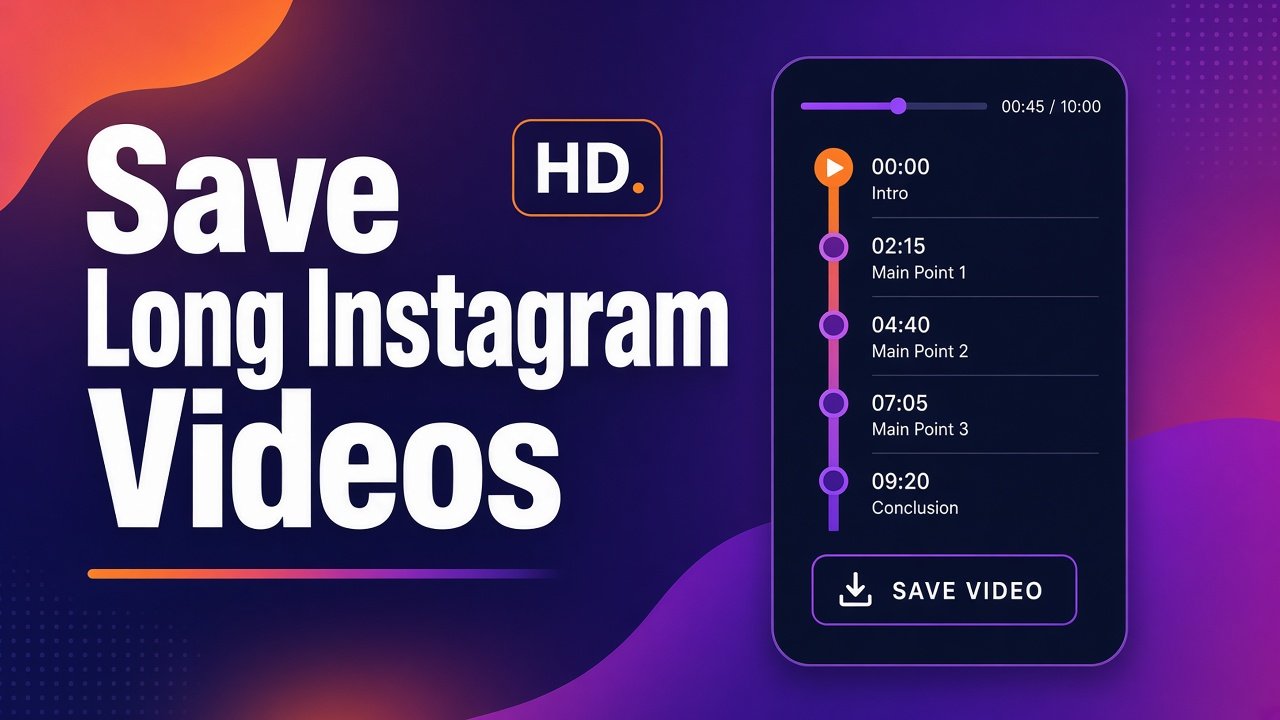
Longer Instagram videos behave like Reels in the feed but can be several minutes long. The download flow is the same: public link in, MP4 out — as long as Instagram still serves the file.
Before you paste the link
- Confirm the post is public
- Copy the share URL from the post menu, not a truncated preview
- Wait until the video finishes buffering once in Instagram
Download steps
- Copy the public video link.
- Paste it on Download InstaVideos.
- Start the download and keep the tab open until the file finishes.
- Play the MP4 locally to confirm length and audio.
If the file is short or fails
Region blocks, deleted posts, and private accounts stop public downloaders. Try again with a fresh share link. For shorter Reels, use the HD Reels guide.
Large files need a stable connection. On mobile data, prefer Wi‑Fi before saving long clips.